
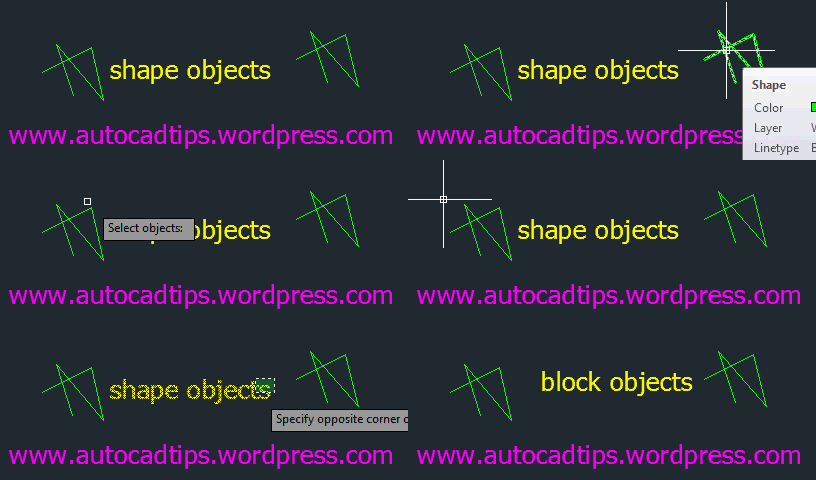
If you have a drawing that contains shape objects and then you try to send that drawing to someone else, those shape objects will be missing from their drawing. Today’s tip features an Express Tool called SHP2BLK which simply lets you turn these shape object into blocks. (Note: this does not help which linetypes that depend upon shape files)
Here’s how:
- SHP2BLK <enter>
- Select the SHAPE object that will be turned into a block (note: even though you select only one instance of the shape object, this tools works globally for that shape object).
- Specify the name that you want the block name to be. By default it is the name of the shape object. <enter>
~enjoy

 AutoCAD Tips
OK TELL ME HOW TO IMPORT GOOGLE EARTH TO AUTOCAD