
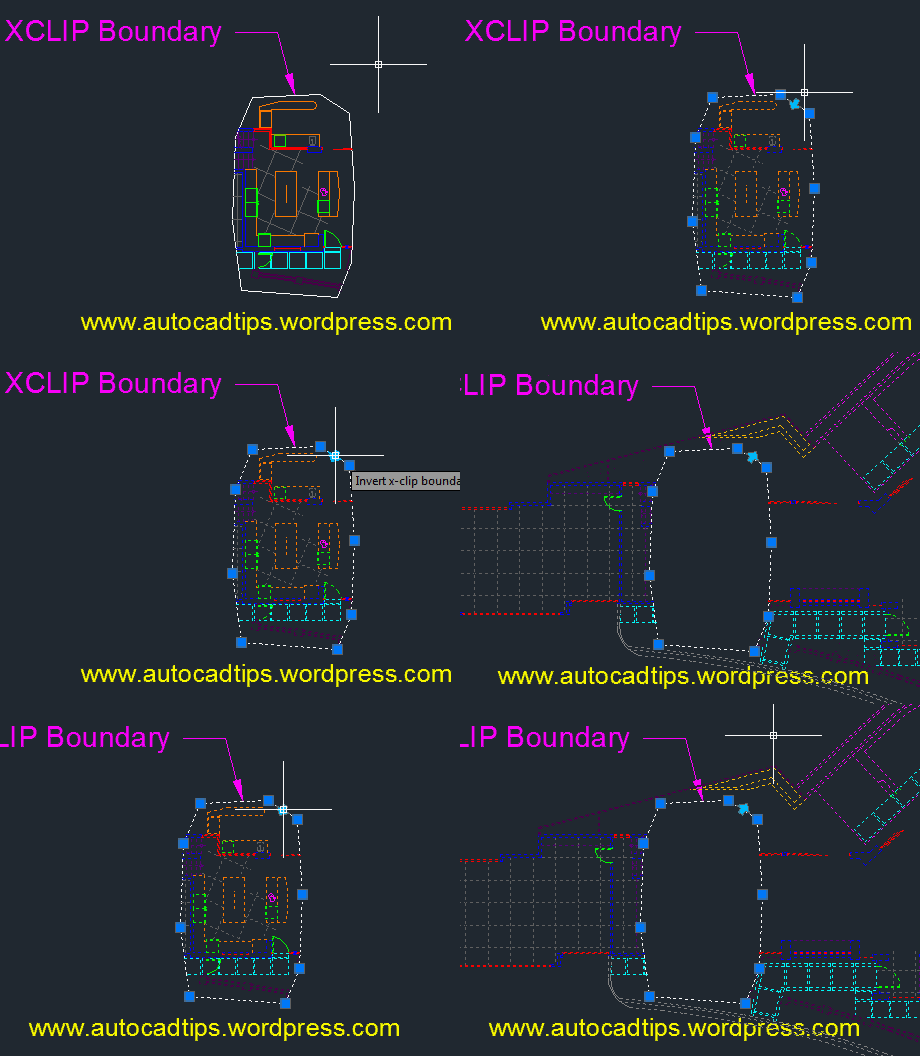
Once you have an XCLIP created, you can can invert the XCLIP so that the area that is inside of the defined XCLIP border will be hidden and the area outside will be shown.
Here’s how:
- Select the XCLIP boundary
- The boundary of the XCLIP will show its grips along with an arrow grip
- Hover over the arrow grip and notice the text that appears “Invert x-clip boundary” Click this arrow to invert the xclip.


 AutoCAD Tips
boss is there any way we can invert clip multiple times in 1 block-xref or image?
thanks