
Big surprise!!!! Huh?
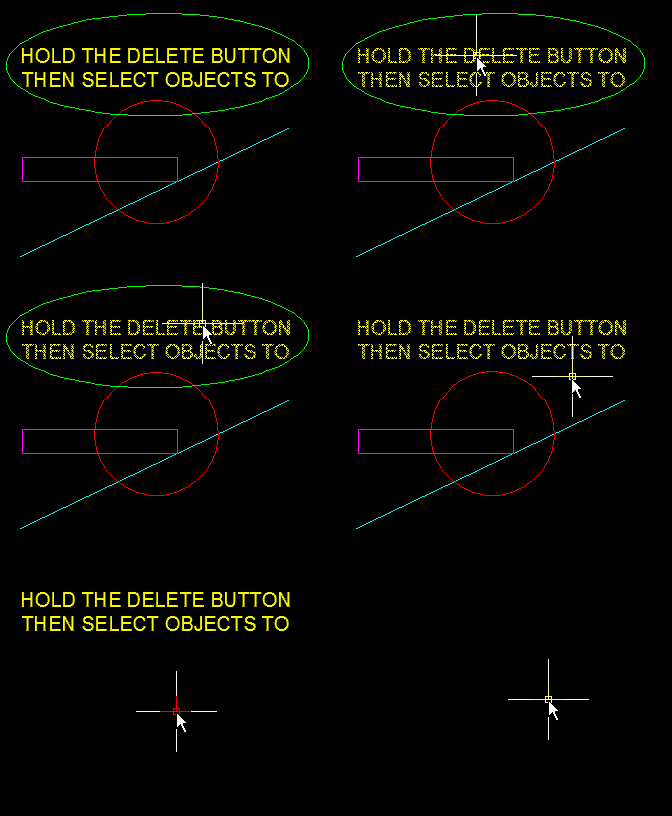
I know that you all know that if you select objects and hit the DELETE button the selected objects are erased. But did you know that if you hold the DELETE button and then pick individual objects, they get erased as you pick them?
I just found this tip as well. This tip is limited to only allowing single picks (no window selections). But still, it’s pretty cool…

 AutoCAD Tips