
here is a quickie that I have come to use a lot. This feature is new in AutoCAD 2012
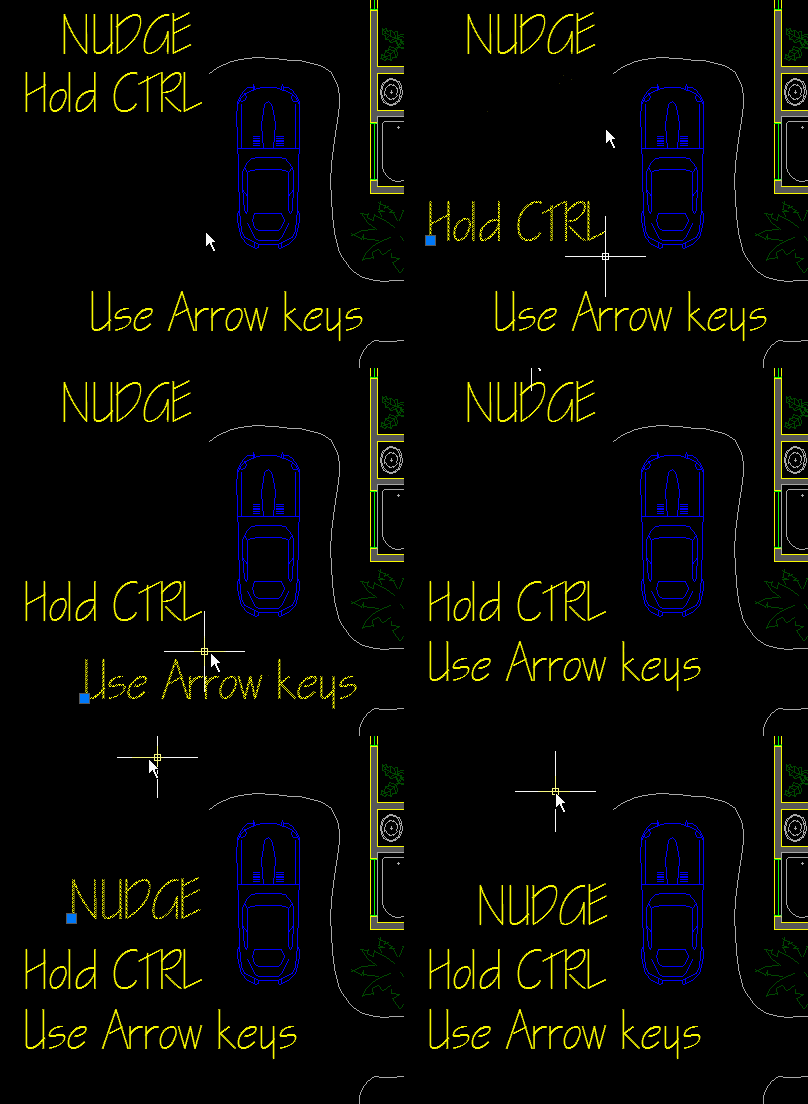
It is called “nudging” and is a way of moving things in your drawing without using your mouse. Well, not completely. you still needs to select your objects with the mouse…
Here’s How:
- Select objects
- Hold the CTRL button
- Use the arrow buttons on your keyboard to give your objects a little “nudge”
~enjoy

 AutoCAD Tips