
Have you ever wondered what the OSNAP that is called “INSERT” does?

Well, here’s what it does:
You can always set this in the “running OSNAPs” or use the OSNAP overrides (shift + right-click and select “Insert’ or entering INS in the middle of the command).
It allows you to snap to the insertion points of Blocks, Text and XREFs. For blocks, the Insertion Point is the point that was specified when the block was created. (Note: The INSERT OSNAP does not snap to multiple “points” that have been added to a block making it a “Dynamic” block. It only recognizes the initial insertion point.)
This is also helpful for manually moving/adjusting/aligning text…
The little green icon next to your cursor is the “Insert” OSNAP (as seen below)

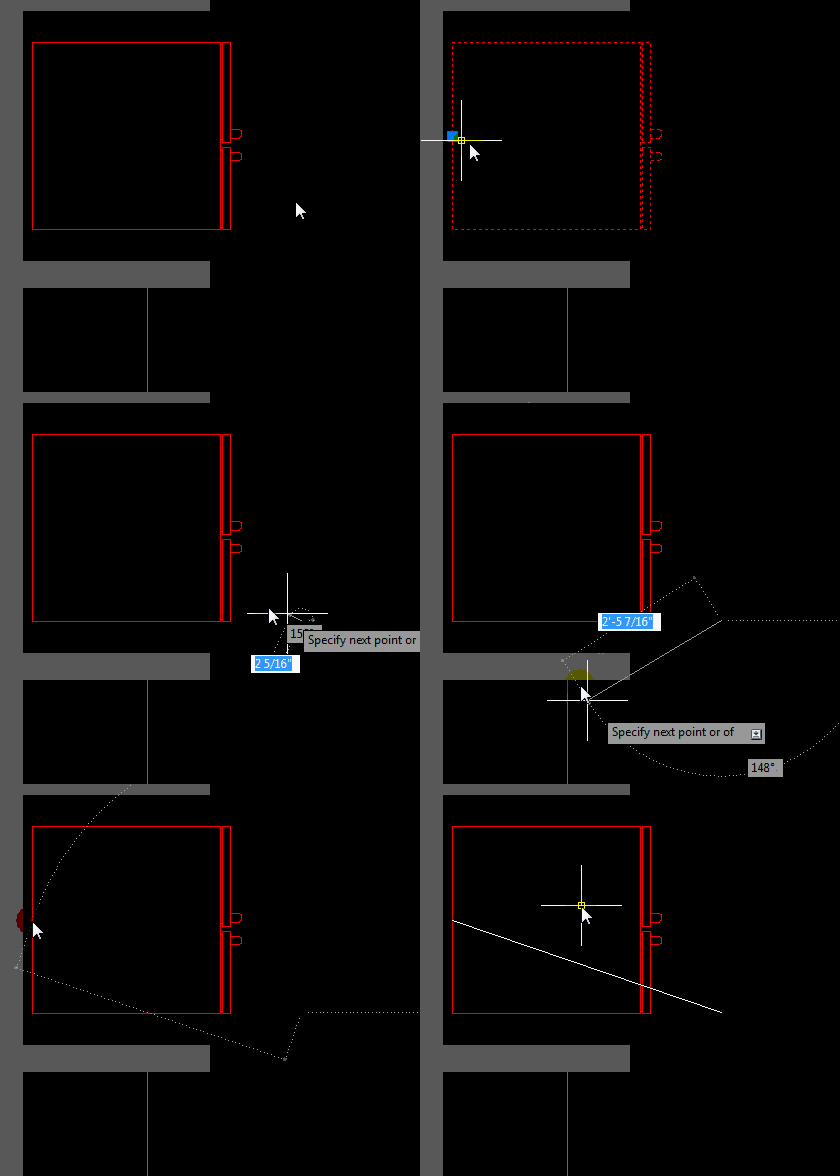
The example below shows how to snap to a block’s insertion point
 The Example below shows the Insert OSNAP for both DTEXT & MTEXT


 AutoCAD Tips
Good info, well explained. Thank you.
Dave