
Quick tip:
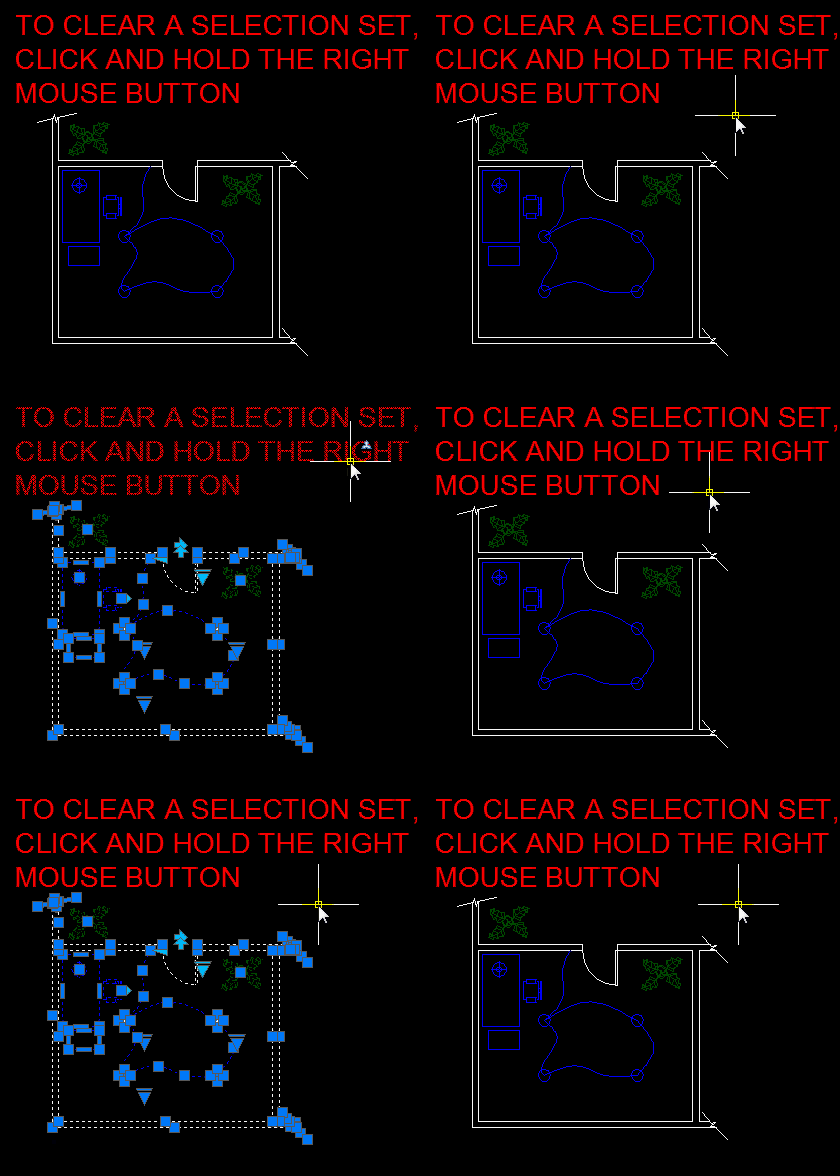
Instead of hitting the ESC button multiple times to clear a selection set, try holding the right mouse button for a few seconds.
Quick tip:
Instead of hitting the ESC button multiple times to clear a selection set, try holding the right mouse button for a few seconds.


 AutoCAD Tips
Actually, I am using this right button for “enter” instead of hitting it on the keyboard or hit space bar so I can’t apply your tricks. But thanks !
Interesting. But what happens if you select the objects first – prior to starting the command?
I remember back with AutoCAD 2000 that right-clicking was another option of using