
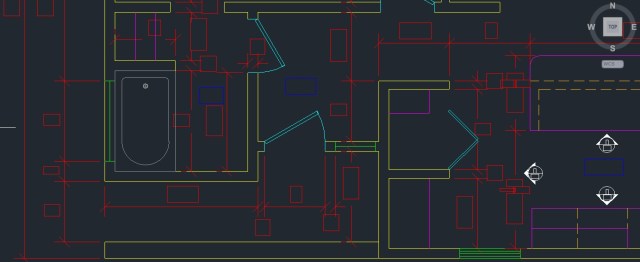
Large amounts of text in a drawing can slow down your drawing session. AutoCAD regenerates whenever you pan and zoom, so when you have a lot of text in your drawing, you have the option of temporarily hiding text in your drawing to speed things up.
To do this:
enter QTEXT at the command line
enter ON at the command line (or with DYN on, click ON)
Now enter RE at the command line to regenerate the drawing and for the text to be hidden.
QTEXT <ON>
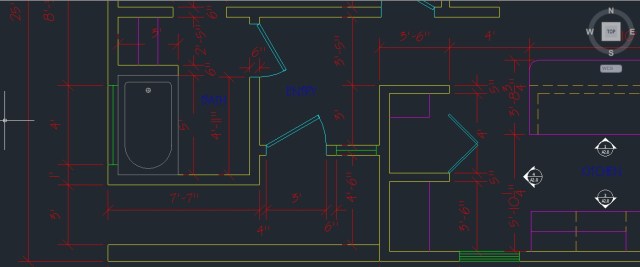
QTEXT <OFF>
I just figured out how to make animated pictures so here’s my first.


 AutoCAD Tips
Pingback: QTEXT to Select Empty Text or Attributes | AutoCAD Tips